 By simon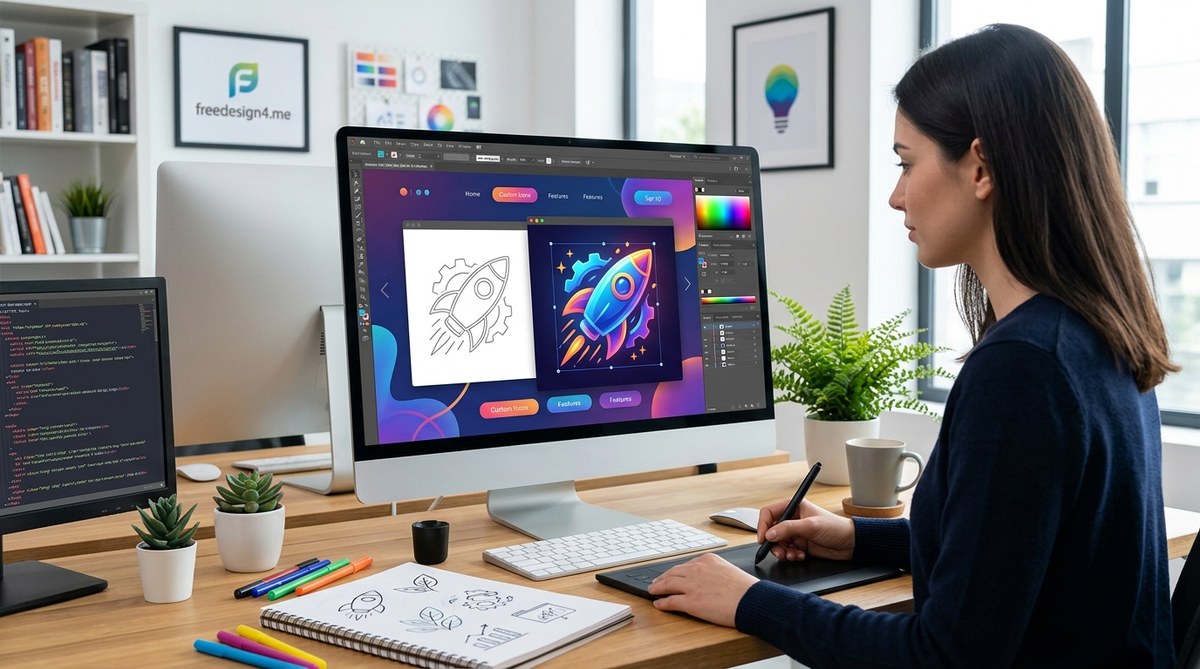
Web design is all about making a website feel authentic and engaging. Icons play a crucial role in guiding users and conveying messages quickly. But standard icons can sometimes feel generic. To truly stand out, customizing icons becomes essential. Personalized icons not only reinforce your brand identity but also add a unique touch that users will remember. Whether you’re redesigning a small part of your site or building a comprehensive icon library, mastering icon customization can elevate your entire project.
Customizing icons allows web designers to craft visually distinctive interfaces that align perfectly with brand identity. Using the right tools and techniques, you can transform simple graphics into impactful design elements that improve usability and aesthetic appeal. Taking time to personalize icons makes your website memorable and uniquely yours.
Why Icon Customization Matters in Web Design
Icons are more than just decorative elements. They serve as visual cues that guide users through your website. Standard icons are widely recognized. But when they’re used without personalization, they can blend into the background. Custom icons, on the other hand, help reinforce your brand’s personality and make your interface more intuitive.
Personalized icons can make your site feel consistent and professional. They also help distinguish your digital space from competitors. Imagine a health app using icons that reflect a specific style or color palette — it creates a cohesive experience. When designed thoughtfully, icons improve navigation and user interaction, making your site more engaging.
The Benefits of Customizing Icons for Web Projects
- Brand consistency: Custom icons align with your overall design language.
- Enhanced usability: Well-designed icons clarify actions and features.
- Unique identity: They make your website stand out in a crowded digital landscape.
- Flexibility: Custom icons can be adapted to fit specific content or themes.
- Better storytelling: They help communicate complex ideas visually.
How To Approach Icon Customization Step By Step
- Define your goal and style
- Choose the right tools
- Design and refine your icons
Let’s break down each step.
1. Define your goal and style
Start by understanding what your icons need to communicate. Are they for navigation, actions, or branding? Clarify their purpose. Next, decide on a style that matches your website’s personality. Do you prefer flat, line, filled, or skeuomorphic icons? Think about your brand’s color palette and overall aesthetic. Consistency here is key.
2. Choose the right tools
There are numerous tools for icon creation. Popular choices include vector graphic editors like Adobe Illustrator, Sketch, or free options such as Figma. For beginners, online platforms like Icons8 or Noun Project can inspire ideas and provide editable templates.
3. Design and refine your icons
Create initial sketches or concepts. Focus on simplicity and clarity. Use grids to maintain alignment and proportion. Experiment with different strokes, fills, and details. Remember to test icons at various sizes. An icon should be recognizable both small and large.
Refine your icons by adjusting line weights, adding color, or introducing subtle details that enhance clarity without cluttering. Consider how your icons will appear on different backgrounds and devices. Consistent style and scale are essential for a cohesive look.
Practical Techniques for Icon Customization
| Technique | Description | Common Mistakes |
|---|---|---|
| Simplification | Remove unnecessary details to improve clarity | Overcomplicating icons with too many elements |
| Consistent stroke width | Use uniform line thickness across icons for harmony | Mixing thin and thick lines without purpose |
| Color palette adherence | Stick to your brand colors for cohesion | Overusing bright colors that clash with your design |
| Use of grids | Align icons to a grid for uniformity | Ignoring alignment leading to inconsistent visuals |
| Adding context | Include subtle details to support icon meaning | Overloading icons with too many embellishments |
Expert tip: “Always test your icons in real-world situations. Check how they look on different screens and backgrounds. This ensures they remain clear and effective.”
Essential Tools and Resources for Icon Customization
- Vector editors: Figma, Adobe XD, Sketch
- Icon libraries: Flaticon, Icons8, Noun Project
- Design systems: Use platforms like Material Design to understand best practices.
- Color tools: Coolors, Adobe Color
Common Pitfalls to Avoid When Customizing Icons
| Mistake | Why It Hurts | How to Avoid |
|---|---|---|
| Over-detailing | Clutters small sizes and reduces clarity | Keep icons simple and test at various sizes |
| Ignoring consistency | Creates visual chaos | Use a shared style guide or component library |
| Not considering accessibility | Makes icons hard to interpret for some users | Use high contrast and recognizable symbols |
| Using too many colors | Dilutes brand identity | Limit colors to your palette for coherence |
| Skipping testing | Leads to unclear icons on devices | Regularly preview in different contexts |
Making Your Icons Shine on Your Website
Custom icons can dramatically improve how users interact with your site. Focus on clarity, simplicity, and consistency. Use grids and style guides to maintain uniformity. Remember, a well-crafted icon is more than a pretty picture — it’s a communication tool that enhances usability.
Consider creating an icon library for your project. Document each icon’s purpose, style, and usage rules. This helps keep your design cohesive and makes future updates smoother.
Final Words on Icon Personalization
Adding a personal touch to your icons can transform the entire look and feel of your website. It’s a creative process that balances aesthetics and usability. Don’t shy away from experimenting with different styles, colors, and details. Taking the time to customize icons makes your website more engaging and memorable.
Start small by redesigning a few icons that are central to your user experience. As you build confidence and refine your skills, expand your collection. Your users will notice the extra effort and appreciate the thoughtful design.
Bring Your Icons to Life and Make Your Website Truly Yours
Personalizing icons isn’t just about aesthetics. It’s about creating a website that feels authentic and user-friendly. With the right tools, a clear plan, and attention to detail, you can craft icons that truly reflect your brand’s personality. Keep experimenting, stay consistent, and enjoy the process of making your digital space uniquely yours.